
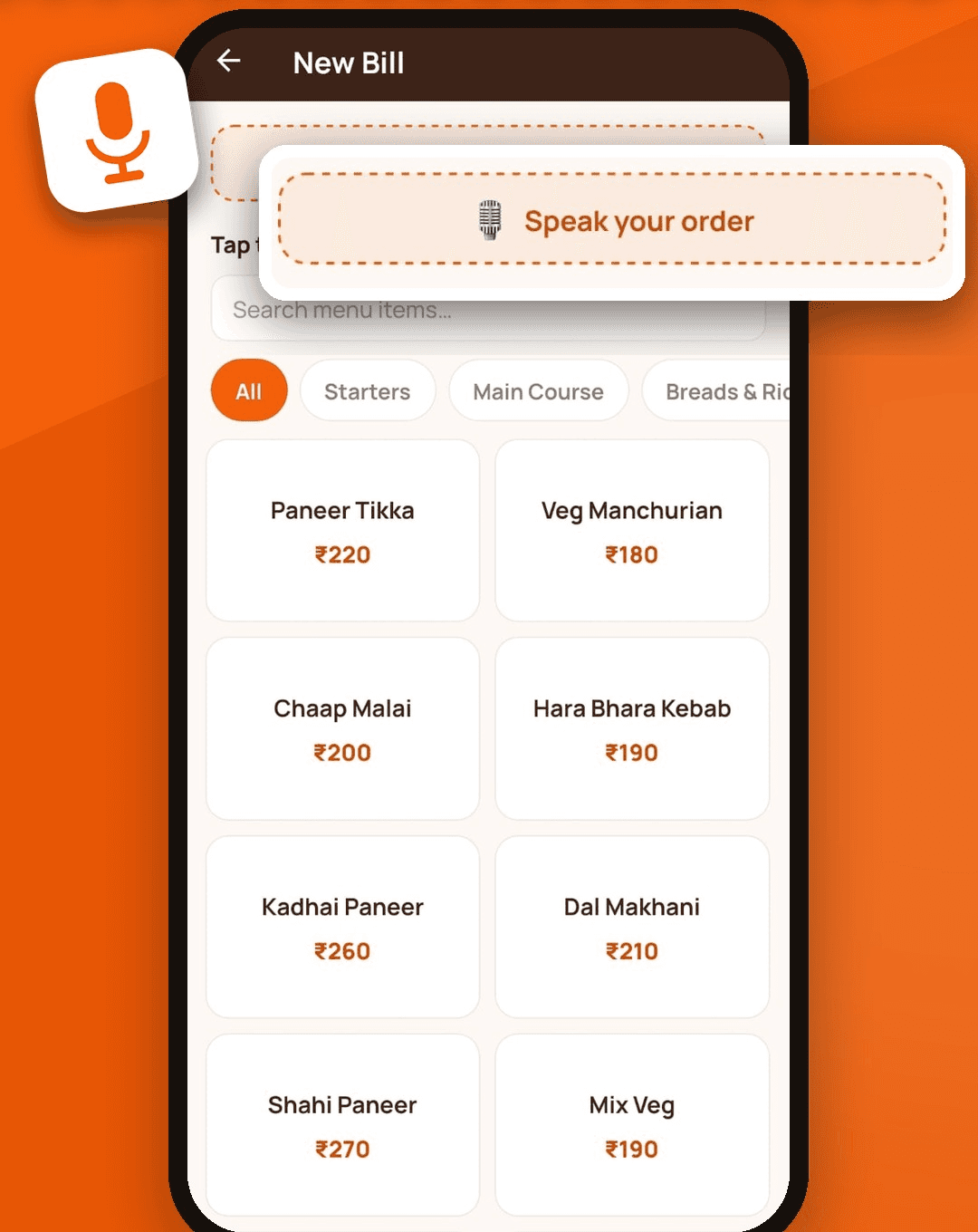
How voice orders work
- Open a new bill and tap Speak your order.
- Say the order naturally, for example “do paneer tikka aur ek dal makhani”.
- SwaadBill listens, converts the speech to text and matches it against your own menu.
- Matched dishes are added to the bill with your menu’s exact names and prices.
- Anything it could not match is listed so you can add it by hand. It never guesses a price.
Hindi, English and Hinglish
The speech recogniser works across languages, and the app passes your chosen language as a hint to help accuracy. People mix languages at the counter, and that works too. Dish names are matched against what is on your menu, so a menu that uses the names your customers say will match best.
Tips for better results
- Keep dish names on your menu short and familiar.
- Speak one order at a time, with quantities, such as “teen butter naan”.
- Check the added items before you finish the bill. They stay editable.
- Use tap billing when the counter is very noisy.
What happens to the recording
The audio is sent to a speech service to be turned into text and is not kept by SwaadBill. Our privacy policy explains what is processed and why. Voice orders need an internet connection, while tap billing works fully offline.
Part of one billing app
Voice is one of several ways to add items. You can also tap dishes, or photograph your paper menu to set up the menu in the first place. The bill, GST, KOT and WhatsApp bill all work the same whichever way the items were added.